Teaching Videos
Turn lecture slides into narrated lessons students can revisit anytime.
Slide-First Presentation Production
Generate speaker notes, review them, and publish polished presentation assets from the deck you already have. Create narrated MP4 videos and browser-ready web presentations without rebuilding everything from scratch.
Use Cases
Turn lecture slides into narrated lessons students can revisit anytime.
Reuse internal decks for onboarding, process explainers, and team training.
Convert talk decks into reusable narrated recordings without rebuilding your material.
Share proposals, reports, and pitch decks as polished asynchronous presentations.
Core Capabilities
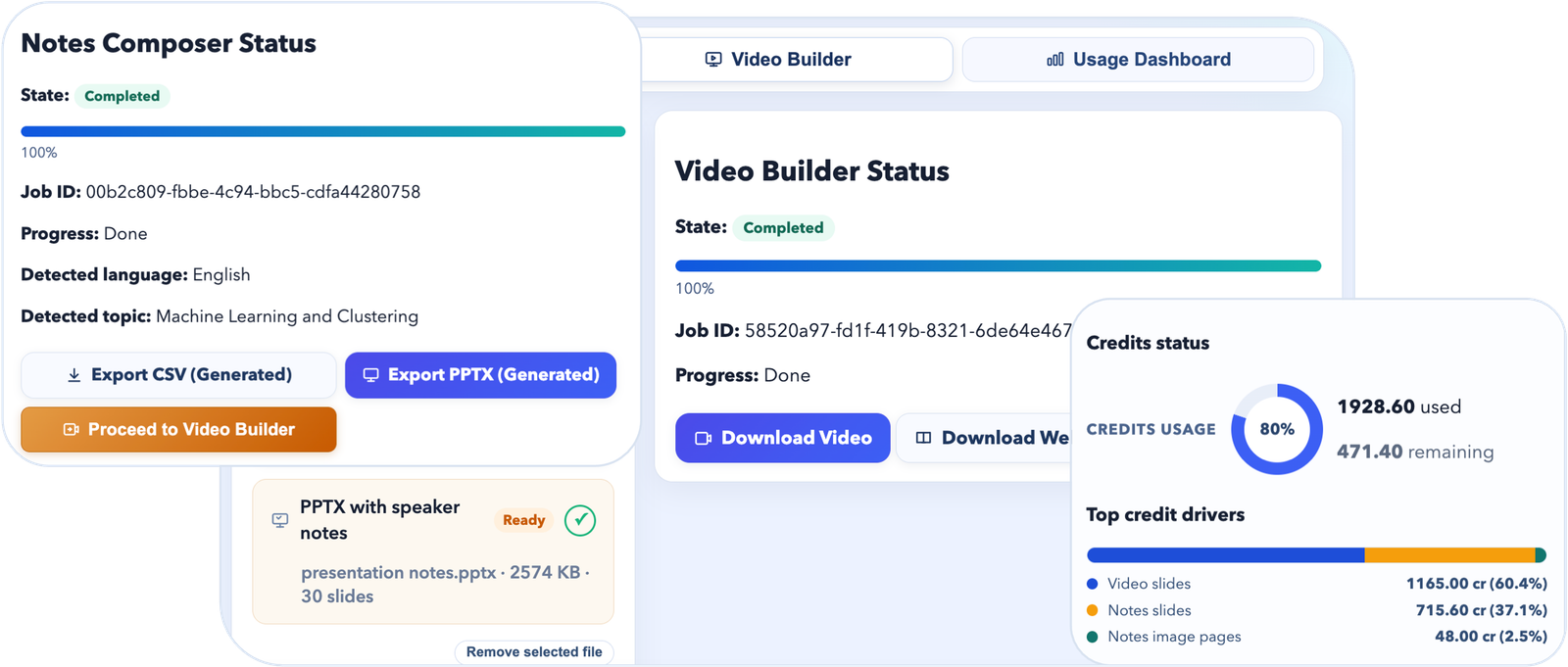
Start with the deck you already have. Generate speaker notes, review and edit them slide-by-slide, then export reviewed CSV or PPTX files for reuse and refinement.
Publish in the format that fits your audience. Turn slides plus notes into narrated MP4 videos or downloadable web presentation ZIPs with a built-in player, slide images, and per-slide audio.
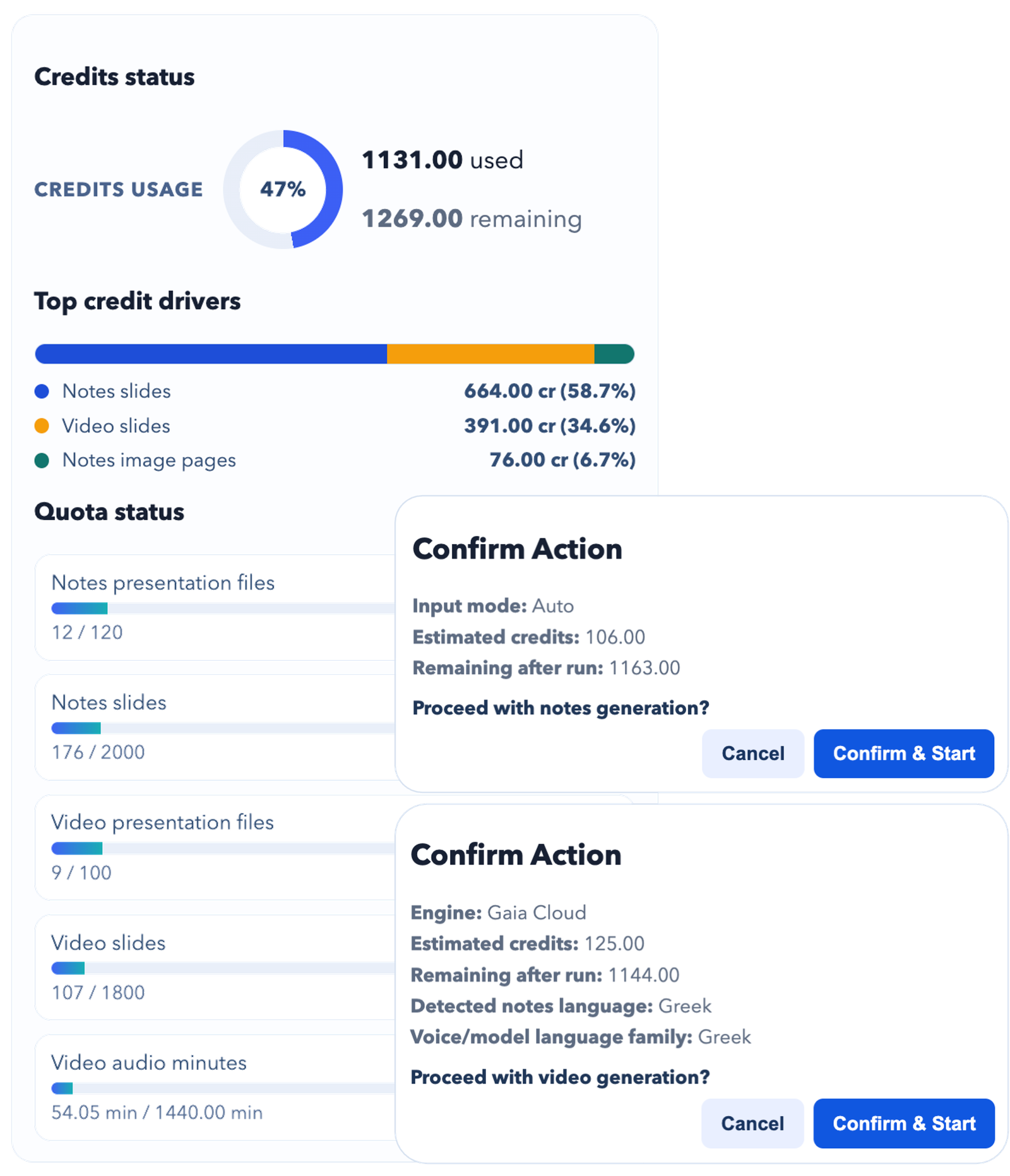
Know the cost before you commit. Check credits and hard caps before you run, choose quality and voice options, and let processing continue in the background while you work on other things.
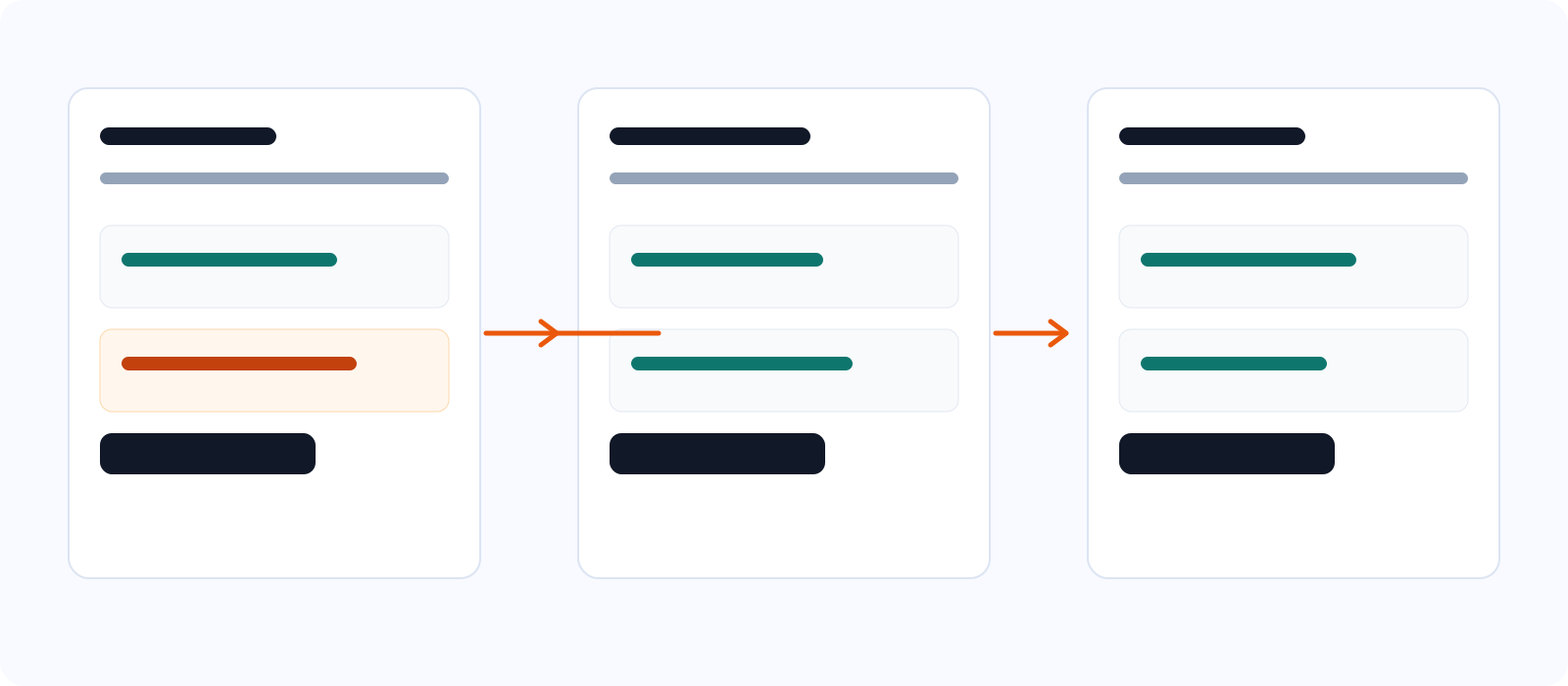
Workflow Design
Workflow A
Workflow B
Portable Web Output
SlideNarrate's primary output is a narrated MP4. When you want a browser-friendly version too, you can also download a web presentation ZIP containing the HTML page, slide images, and per-slide audio.
index.html, slides/, and audio/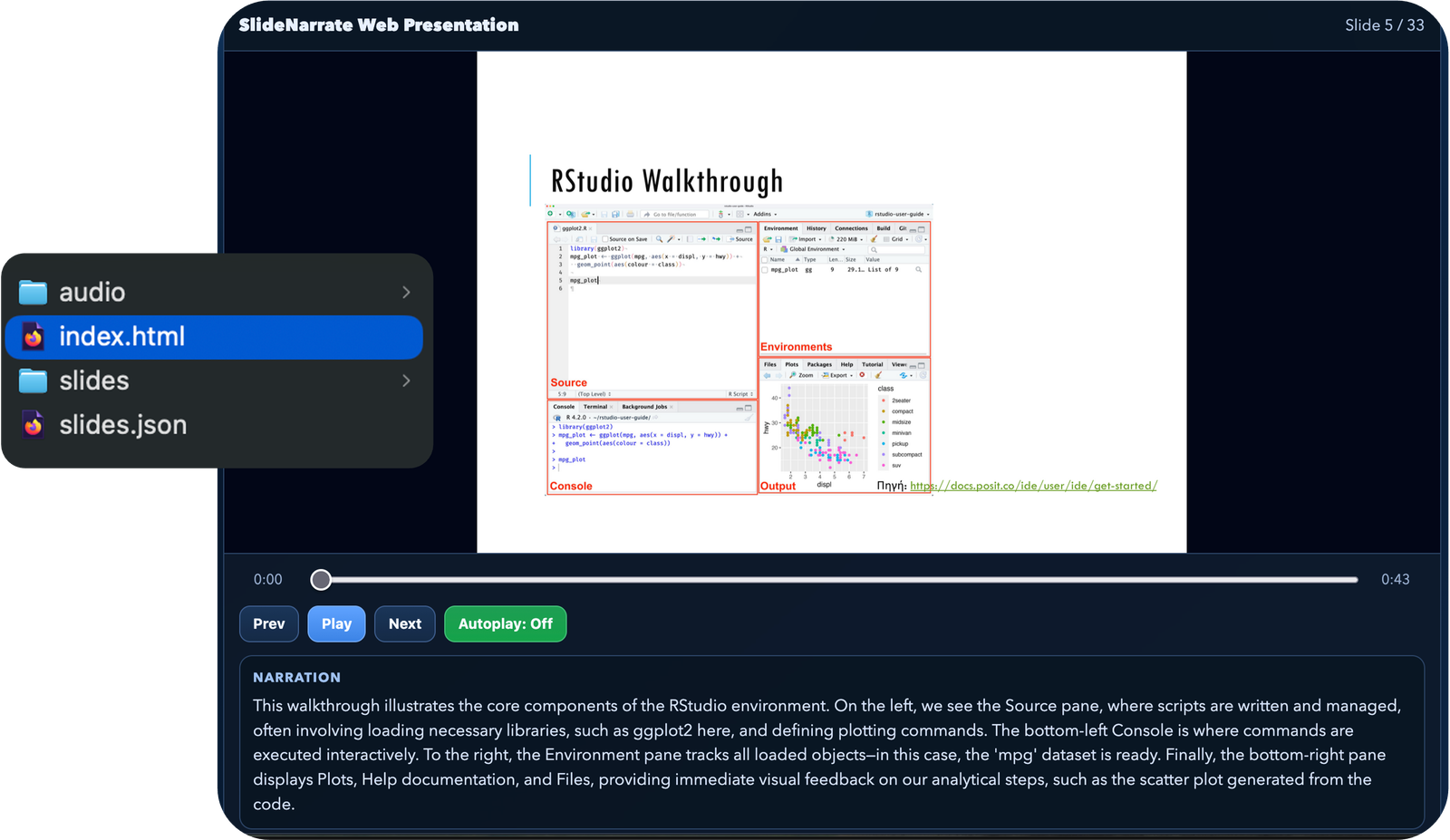
Pricing
€0/month
Test notes, video, and web presentation workflows with starter limits.
€4.99/month
For educators, creators, and consultants with recurring monthly production.
Most Popular
€7.99/month
For teams producing larger decks, training assets, and repeated presentations.
€14.99/month
Largest plan for high-volume enablement, education, and content operations.
FAQ
Yes. You can generate notes on their own, or go straight to creating narrated outputs.
Yes. You can edit notes slide-by-slide and export reviewed CSV/PPTX outputs.
You can export reviewed notes, download a narrated MP4, or download a web presentation ZIP containing the player, slides, and audio for local playback or hosting on your own website.
No. Jobs run asynchronously, so you can keep working while SlideNarrate prepares your final output.